
Start with the right channel
Selecting the appropriate medium is the first step in respectful digital communication. Using a text message for a complex negotiation or an email for an urgent crisis creates friction and confusion. The goal is to match the channel to the message's urgency, complexity, and your relationship with the recipient.
Think of communication channels as different types of containers. Some are designed for quick, informal exchanges, while others provide the structure needed for detailed, permanent records. Choosing the wrong one is like trying to carry water in a sieve; the information leaks, and the recipient is left with nothing but a wet hand.
Follow this three-step sequence to ensure your message lands effectively:
Start by evaluating how quickly you need a response and how much context the recipient needs. High-urgency, low-complexity tasks (like confirming a meeting time) fit well in instant messaging. Low-urgency, high-complexity topics (like project feedback) require email or video calls where you can elaborate and attach documents.
Match the formality of the channel to your professional or personal relationship with the recipient. A close colleague might appreciate a quick Slack ping, while a new client or senior executive may expect a formal email. Respect boundaries by avoiding personal messengers for professional matters unless explicitly invited to do so.
Before sending, ensure the platform supports the type of content you need to share. If you are discussing sensitive data, verify that the channel is secure and encrypted. If you are trying to resolve a conflict, remember that text-based channels often lack tone, making video or phone calls the better choice to prevent misunderstandings.
| Channel | Best For | Tone |
|---|---|---|
| Detailed, asynchronous, or formal communication | Professional | |
| Instant Messaging | Quick questions, urgent updates, or casual check-ins | Informal |
| Video Call | Complex discussions, brainstorming, or sensitive topics | Collaborative |
Write clear and concise messages
Digital communication lacks the tone and body language of face-to-face conversation, making clarity essential. A vague message forces the recipient to guess your intent, which wastes time and often leads to misunderstandings. Treating your digital interactions with the same respect for brevity and precision as a professional memo ensures your point lands immediately.
1. Start with the main point
Open your message with the primary request or conclusion. This "bottom-line up front" approach allows busy colleagues to grasp the context instantly. If they need to act, they see the action item before reading the details. If they only need to be informed, they can scan the header and move on.
2. Use simple language
Avoid industry jargon, acronyms, or complex sentence structures unless you are certain the recipient understands them. Plain language reduces cognitive load. If a sentence feels convoluted, break it into two shorter ones. Clarity is more important than sounding sophisticated.
3. Structure for scanning
Use short paragraphs and bullet points to organize information. Large blocks of text are intimidating and easy to skim past. Visual breaks help the reader identify key data points, deadlines, or questions. This structure respects the recipient's time by making the message easy to digest quickly.
4. Define the scope
Clearly state what is required, who is involved, and when the response is needed. Ambiguity about deadlines or responsibilities often causes delays. A specific call to action, such as "Please review by Friday at 5 PM," is far more effective than a vague "Let me know your thoughts soon."
5. Review before sending
Read your message aloud to catch awkward phrasing or missing context. Ensure you have included all necessary attachments or links. A quick proofread prevents the back-and-forth emails that often result from unclear initial messages.
-
Is the main request in the first sentence?
-
Have I removed unnecessary jargon?
-
Are deadlines and expectations specific?
-
Did I check for missing attachments?
Writing clear and concise messages is a foundational habit of digital etiquette. It minimizes errors and fosters a professional, respectful tone. By prioritizing clarity, you make it easier for others to collaborate with you effectively.
Handle group chats with care
Group chats multiply the noise. A single message can reach dozens of people, and tone often gets lost in the translation. To keep these spaces useful, treat them like a shared room: don’t shout, don’t clutter, and respect the people inside.
Pause before posting
Before hitting send, ask if the message belongs in this specific group. Group chats are for collective utility, not personal broadcasting. If the topic is relevant to the whole group, keep it concise. If it’s a one-on-one conversation, start a private thread instead. This prevents notification fatigue and keeps the main channel focused on shared goals.
Respect privacy and boundaries
Never screenshot or forward messages from a group chat without explicit permission. Digital etiquette in these spaces relies on trust. If someone shares personal information or venting in a group setting, assume it stays there. Sharing that content elsewhere violates that trust and often leads to immediate removal from the group.
Manage your notifications
You control your attention. Mute noisy groups during work hours or sleep times. Use "mark as read" or "hide" features to reduce visual clutter. This isn’t about ignoring people; it’s about ensuring you see messages when you’re actually available to engage. A quick reply is better than a delayed one from a buried notification.
Keep the tone neutral
Text lacks facial expressions and vocal nuance. What feels like a casual joke to you might read as sarcasm or aggression to others. When in doubt, err on the side of formality. Avoid all caps, excessive emojis, or inflammatory language. If a discussion becomes heated, step back. Suggest moving the debate to a private message or a different platform where tone can be better managed.
Common digital etiquette mistakes
We’ve all sent a message that landed wrong or joined a call unprepared. These missteps happen quickly, but they leave lasting impressions. Recognizing the most frequent errors allows you to self-correct before trust erodes.
Skipping the subject line
A blank or vague subject line forces the recipient to guess the urgency and context. This creates unnecessary friction and delays. Always include a clear, specific subject that summarizes the email’s purpose. If the topic is time-sensitive, note the deadline upfront.
Treating chat like a broadcast
Sending long paragraphs in instant messaging apps overwhelms the reader. Digital communication thrives on brevity. Break complex thoughts into short, digestible messages. Wait for a response before adding more context, rather than flooding the thread.
Ignoring video call norms
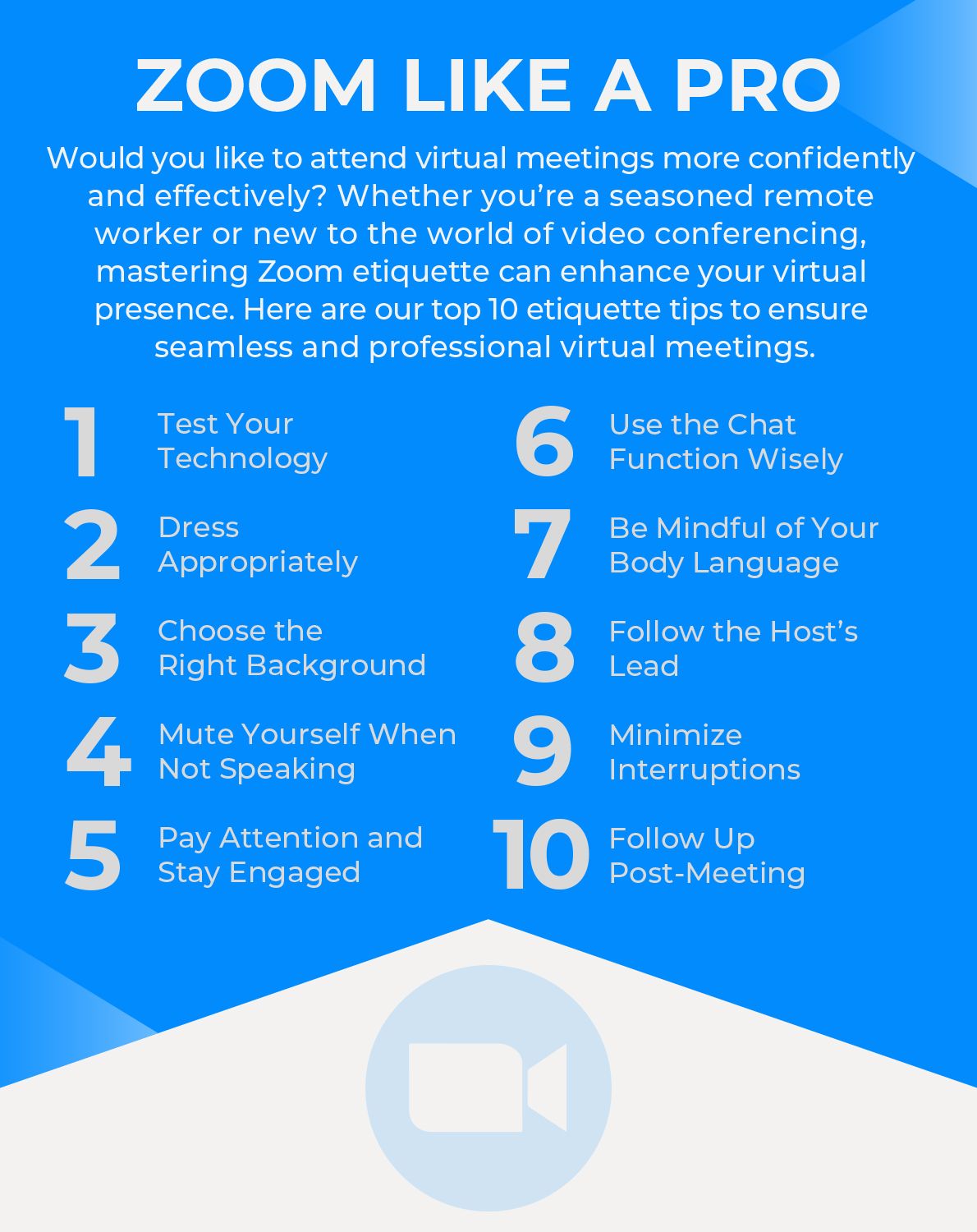
Showing up to a video meeting with your camera off or microphone muted signals disengagement. It also disrupts the flow for others. Test your audio and video settings beforehand. If you must mute, do so only when not speaking. Keep your background tidy to maintain professionalism.
Using emojis in formal contexts
Emojis add tone to casual chats, but they can undermine seriousness in professional emails. A smiley face might read as dismissive during a conflict resolution. Stick to plain text for formal announcements, complaints, or legal matters. Reserve casual symbols for internal team conversations.
Failing to proofread
Typos and grammatical errors distract from your message. They can make you appear careless or unprepared. Take ten seconds to scan your message before hitting send. Check for clarity, tone, and correct recipient addresses. A quick review prevents embarrassing corrections later.
No comments yet. Be the first to share your thoughts!