

Physical and digital ceremony spaces
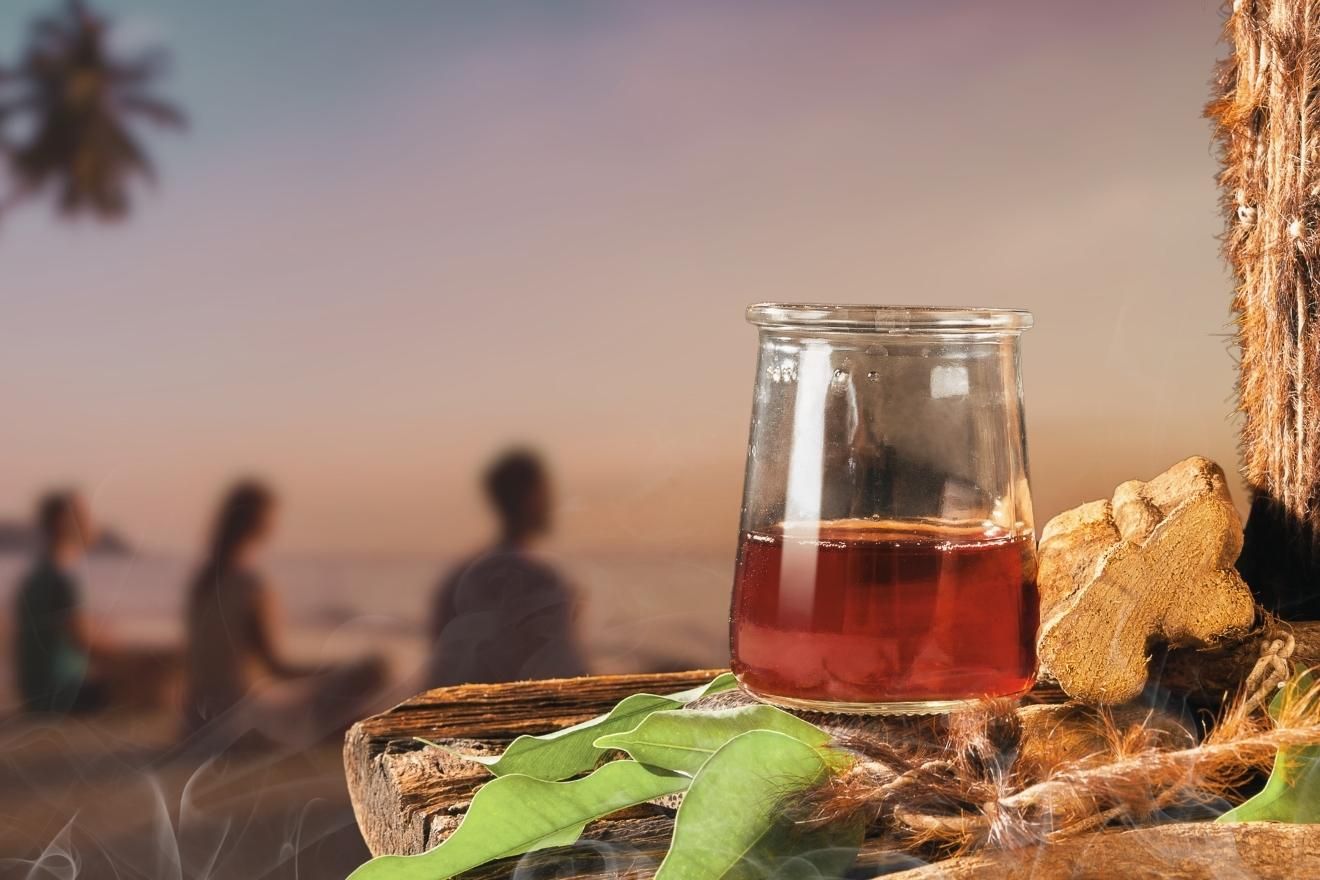
Psychedelic ceremony spaces are undergoing a quiet revolution. For generations, these experiences unfolded in natural settings – remote forests, desert landscapes, or specifically prepared temples. These locations were chosen to foster a sense of connection to the earth and to minimize external distractions. However, accessibility limitations and evolving legal landscapes are driving a significant shift towards digitally-facilitated ceremonies.
The benefits of digital spaces are clear: they open participation to individuals who might not be able to travel or afford the costs associated with traditional retreats. Ceremonia Circle, for example, offers remote psilocybin journeys, expanding access to therapeutic experiences. But this convenience comes with trade-offs. The embodied experience – the feeling of the earth beneath you, the scent of the air – is undeniably diminished. Maintaining a focused intention becomes more challenging when surrounded by the distractions of daily life.
Where these substances are illegal, people often use encrypted apps to stay under the radar. This is risky for everyone involved. No matter where you are, you need a clear reason for being there to keep yourself steady during the session.
Setting digital boundaries early
Digital etiquette begins long before the ceremony itself. In the days leading up to the event, managing expectations and establishing clear boundaries is essential. Participants often have questions, and facilitators should provide ample opportunity for them to be addressed – but there’s a point where information overload becomes counterproductive. A well-prepared participant is a more present participant.
I see people struggle to put their phones away before we start. The news and work emails just build anxiety. I recommend turning off screens a few days early and writing in a journal instead. Researchers at Harvard have noted that this kind of preparation changes the quality of the experience.
Perhaps the most difficult aspect is setting boundaries with friends and family regarding post-ceremony sharing. It’s natural to want to process the experience with loved ones, but it’s equally important to protect the sanctity of the journey. Communicate your need for space and time to integrate before engaging in lengthy discussions. Be prepared to politely decline requests for detailed accounts of the experience.
- Turn off screens 72 hours before the start.
- Communicate your needs for space and quiet to loved ones.
- Prepare a journal for post-ceremony integration.
- Review any pre-ceremony guidelines provided by the facilitator.
Muting and presence during the session
Maintaining a sense of sacred space in a digital ceremony is a unique challenge. The absence of physical presence requires a heightened awareness of digital etiquette. The most fundamental rule: mute your microphone when not actively speaking. Unintentional background noise – a barking dog, a ringing phone – can be deeply disruptive to others’ experience. Similarly, cameras should be turned off unless specifically requested by the facilitator.
The chat function presents another set of considerations. Is it intended for asking clarifying questions, offering support to others, or simply acknowledging the unfolding experience? Facilitators need to establish clear guidelines upfront. Excessive chatter can be distracting, while complete silence can create a sense of isolation. Finding a balance is key. The Center for the Study of World Religions notes that ritual intention-setting practices are vital, and digital distractions can undermine that.
I've come to think of "digital presence’ as a crucial skill for participants. It’s about being fully engaged with the ceremony – feeling the energy of the group, responding to the facilitator’s guidance – without being physically or verbally disruptive. It requires a level of self-awareness and discipline that many people haven’t cultivated. Technical difficulties are inevitable, so it"s important to approach them with grace and humor. A facilitator prepared to troubleshoot common issues can minimize disruption.
When technical issues do arise, it’s helpful to have a pre-designated support person who can assist with troubleshooting. This allows the facilitator to remain focused on guiding the ceremony. Acknowledging the issue calmly and offering assistance to others can help maintain a sense of collective support.
Navigating Shared Digital Space
In a digital ceremony, the facilitator’s role extends beyond guiding the experience to actively managing the group dynamic. They need to be attuned to the energy of the virtual space, ensuring that everyone feels seen and heard. This requires a skillful use of verbal cues, nonverbal communication (through facial expressions and body language), and a willingness to adapt to the needs of the group.
The potential for "digital voyeurism" is a real concern. Participants need to be mindful of their camera angles and backgrounds, avoiding anything that might be intrusive or disrespectful to others. Facilitators should actively discourage any behavior that could compromise the privacy of participants. A firm reminder of confidentiality is essential.
The question of recording ceremonies is ethically complex. While recordings could be valuable for research or personal integration, they also raise serious privacy concerns. I’m hesitant to endorse recording without explicit, informed consent from all participants. Even then, careful consideration should be given to how the recording will be stored and used. Transparency is paramount.
Post-Ceremony Digital Disclosure
The urge to share a psychedelic experience online is understandable. Many people feel a desire to process their insights and connect with others who have undergone similar journeys. However, responsible digital disclosure requires careful consideration. The privacy of others must be paramount. Avoid sharing specific details about anyone else’s experience without their explicit permission.
Misinterpretation is a constant risk. The nuances of a psychedelic experience are often difficult to convey in words, and online platforms can easily distort meaning. Choose your language carefully, avoiding sensationalism or grandiose claims. Remember that your interpretation is subjective and may not resonate with others.
Creating a private online forum – a dedicated Slack channel or Signal group – can provide a safe and supportive space for integration. This allows participants to connect with each other, share their experiences, and receive guidance from the facilitator. It’s a more controlled environment than social media, where information can be easily misinterpreted or shared without consent.
It’s also important to be mindful of the legal implications of sharing information about psychedelic experiences. In jurisdictions where these substances are prohibited, even discussing them online could have consequences.
What facilitators need to do
Facilitating a digital psychedelic ceremony demands a new set of skills and responsibilities. Technical proficiency is no longer optional – facilitators need to be comfortable with video conferencing software, online safety protocols, and basic troubleshooting. Creating a secure and supportive digital environment is paramount.
Ethical considerations are amplified in the digital realm. Facilitators need to be acutely aware of privacy concerns, data security, and the potential for online harm. They must also be prepared to address technical difficulties and adapt to unexpected challenges. Ongoing training and mentorship are essential for staying current with best practices.
I believe a crucial responsibility is establishing clear boundaries and expectations before the ceremony begins. This includes outlining the rules of engagement for the digital space, addressing potential risks, and providing participants with resources for integration. Regular check-ins and opportunities for feedback can help ensure that everyone feels safe and supported. Facilitators need to be prepared to offer additional support to participants who may be struggling with integration.
Video Conferencing Platform Comparison for Psychedelic Integration Ceremony Support (2026)
| Platform | Data Privacy Considerations | Breakout Room Functionality | Screen Sharing & Annotation | Accessibility Features |
|---|---|---|---|---|
| Zoom | Offers end-to-end encryption options with managed accounts, but standard accounts do not have this feature. Data routing is complex and has faced scrutiny regarding data sharing practices. | Robust breakout room features, allowing facilitators to easily move participants into smaller groups for individual processing. | Extensive screen sharing capabilities with annotation tools for shared journaling or visual exercises. | Offers live transcription and keyboard accessibility; captioning accuracy varies. |
| Jitsi Meet | Open-source and emphasizes privacy. Offers end-to-end encryption when initiated by the host. Data is not logged on their servers by default. | Breakout rooms are available, though functionality may be less refined than dedicated commercial platforms. | Supports screen sharing but annotation features are generally more basic. | Keyboard navigation is supported, and the open-source nature allows for community-driven accessibility improvements. |
| Google Meet | Data is integrated with the broader Google ecosystem. Privacy policies are comprehensive but involve data collection for service improvement. Encryption is in transit, but not end-to-end by default. | Breakout rooms are available, allowing for smaller group discussions. | Screen sharing is well-integrated with Google Workspace applications. Annotation tools are available. | Live captioning is available in multiple languages, and keyboard accessibility is generally good. |
| Microsoft Teams | Data privacy is governed by Microsoft’s policies, which involve data collection and processing. Encryption is in transit, and compliance certifications are available. | Offers breakout rooms for focused group work. | Screen sharing is integrated with Microsoft Office applications. Whiteboard functionality is available for collaborative visual work. | Offers live captions and supports screen readers; accessibility features are continually being improved. |
| Signal | Primarily a messaging app, but supports video calls. Known for strong end-to-end encryption and a focus on privacy. Limited group video call capacity. | Does not have dedicated breakout room functionality. | Screen sharing is available, but may be less feature-rich than dedicated conferencing platforms. | Supports text-to-speech and voice-to-text features, but accessibility features are less comprehensive than dedicated video conferencing tools. |
| Whereby | Emphasizes simplicity and privacy. Offers browser-based video conferencing without requiring downloads or accounts. Data is encrypted in transit. | Does not natively support breakout rooms, but workarounds may be possible using multiple browser windows. | Screen sharing is available, but annotation features are limited. | Offers keyboard navigation and supports screen readers, focusing on ease of use. |
Illustrative comparison based on the article research brief. Verify current pricing, limits, and product details in the official docs before relying on it.
No comments yet. Be the first to share your thoughts!